You are enrolled in an online course. Here's how the classroom works, how you progress and how you get to the certificate.
#Enroll in a course
Courses are chosen from the public catalog; when you enroll, they appear in "My Training".
The online course catalog is public: you can view the syllabus and price without having an account.
Once enrolled, the course appears in your student area and you no longer need to return to the catalog to enter it.
#"My Training": your starting point
This is the student panel: your courses, your progress, and direct access to continue where you left off.
"My Training" brings together your courses with the progress of each one. At the top is "Continue where you left off", which takes you exactly back to the section you had halfway.
The panel notifications are the ones that matter: when a course is completed and when the certificate becomes available.
#The three zones of a course
Each course is divided into Learn, Accreditation, and Resources. These are three distinct things and should not be mixed.
Learn is the content: theory, practices, and exercises.
Accreditation is what proves you know it: tests, exam, and certificate.
Resources is the support material: the kit, the plans, and the documentation.
- Step 1
Enter the course from "My Training"
Each course card leads to its navigation, with the three zones at the top.

- Step 2
Start with Learn
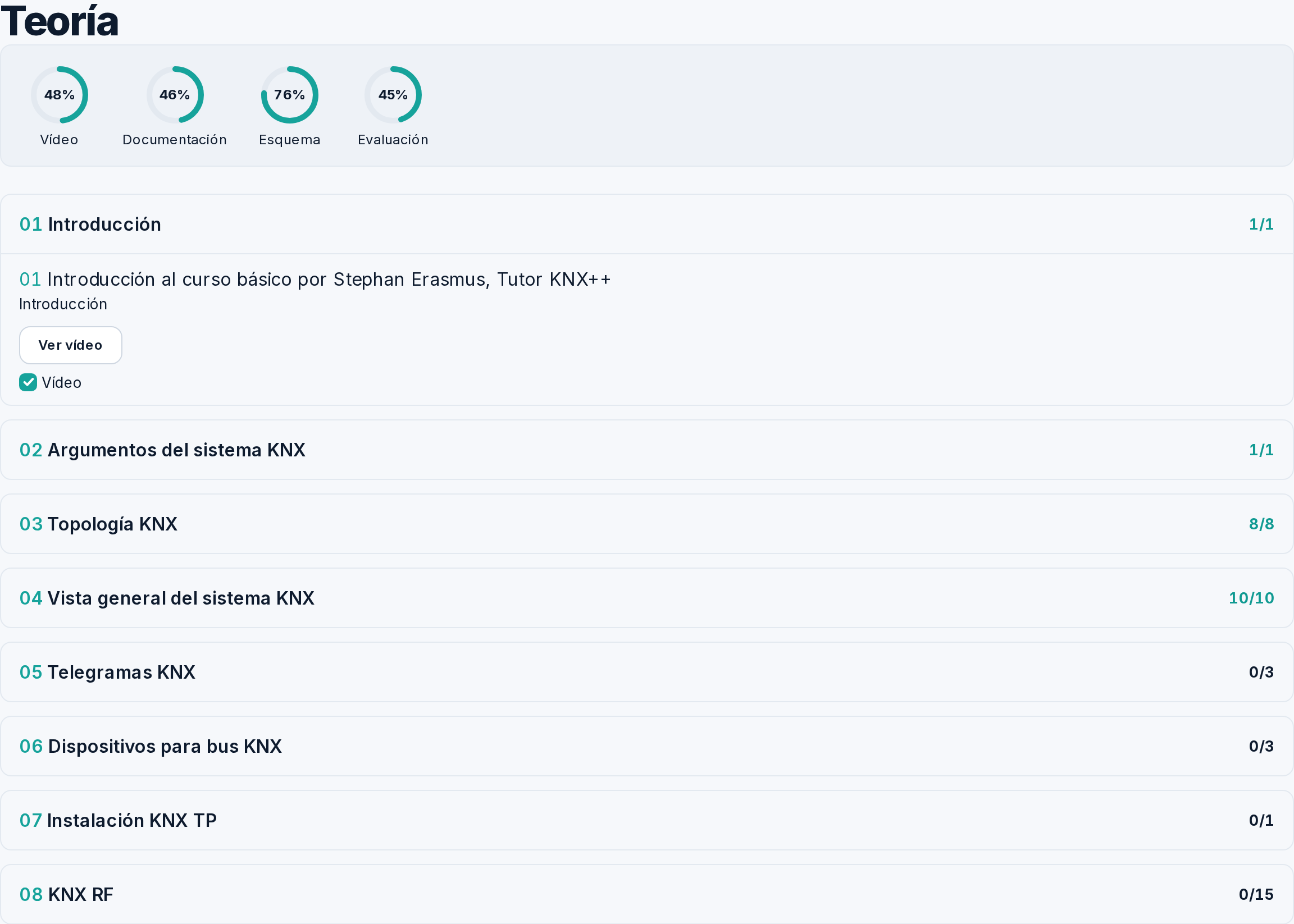
Theory and practices in order. The syllabus marks the completed sections, so you can see at a glance what's left.
- Step 3
Accreditation when the course is complete
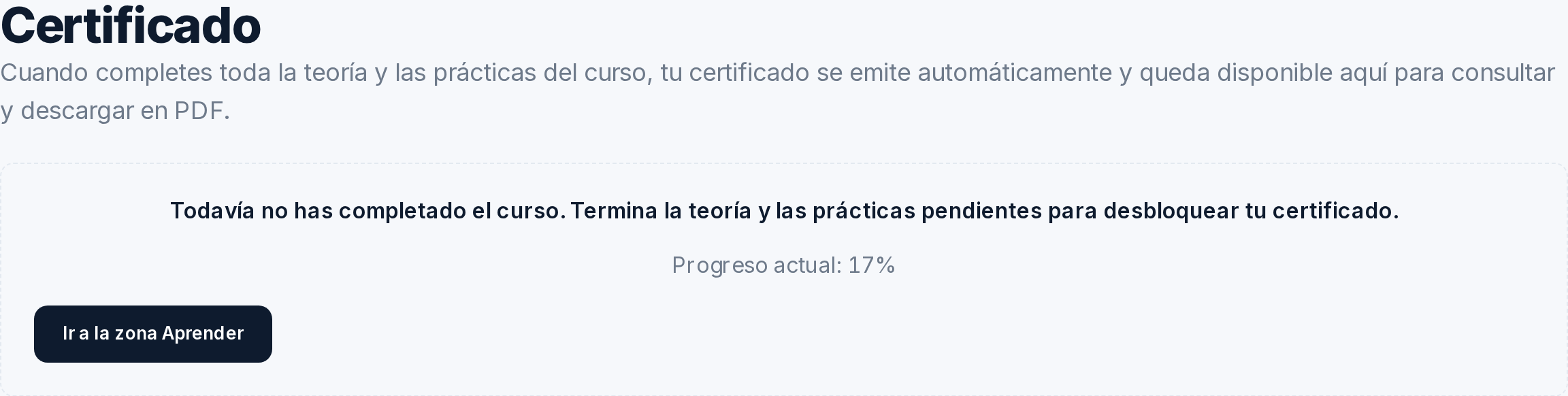
The certificate is not enabled by reading percentage: all applicable course milestones, including exercises, must be completed.
#How your progress is measured
Progress is calculated by axes—theory, practices, and exercises—not by pages viewed.
Each axis advances independently, and the total is the average of the axes with content in that course: a course without exercises does not drag that axis down.
The course is considered complete when all applicable milestones are done. That is what enables the certificate.
#Self-assessment
The tests in each section are for you: they tell you if you've understood it before moving on.
Self-assessment is not the official exam. It serves to detect in time what has not been clear, and can be repeated.
#The practice kit
A diagram of the kit where each device is clickable: it takes you to its reference, manufacturer, and availability.
The kit diagram is not a dead image: clicking on a device opens its data sheet, with the reference and whether it's in stock.
It's the shortcut to assemble the same kit used in the practices yourself.
#Notepad and report
Your notes remain within the course, and the report summarizes your progress.
The notepad lives within the course itself, so what you write down while studying doesn't end up in a notebook you can't find later.
The report is the overview: what you have completed and what you still need to do.
#The official exam
The KNX certification exam is in-person, at a certified training center, and is booked separately.
Finishing the online course does not certify by itself: official KNX certification requires in-person practical training and an exam at a certified center.
The directory of centers and the calendar of calls are on the website, with dates and prices, so you can choose the one that suits you.
If your course is one of those certified by the KNX Association, you must also register at my.knx.org to be able to take the exam. That process has its own page explained step-by-step.
#The certificate
The certificate can be downloaded from the course, as a PDF with its serial number.
When the course is complete, the certificate becomes available in the Accreditation area.